
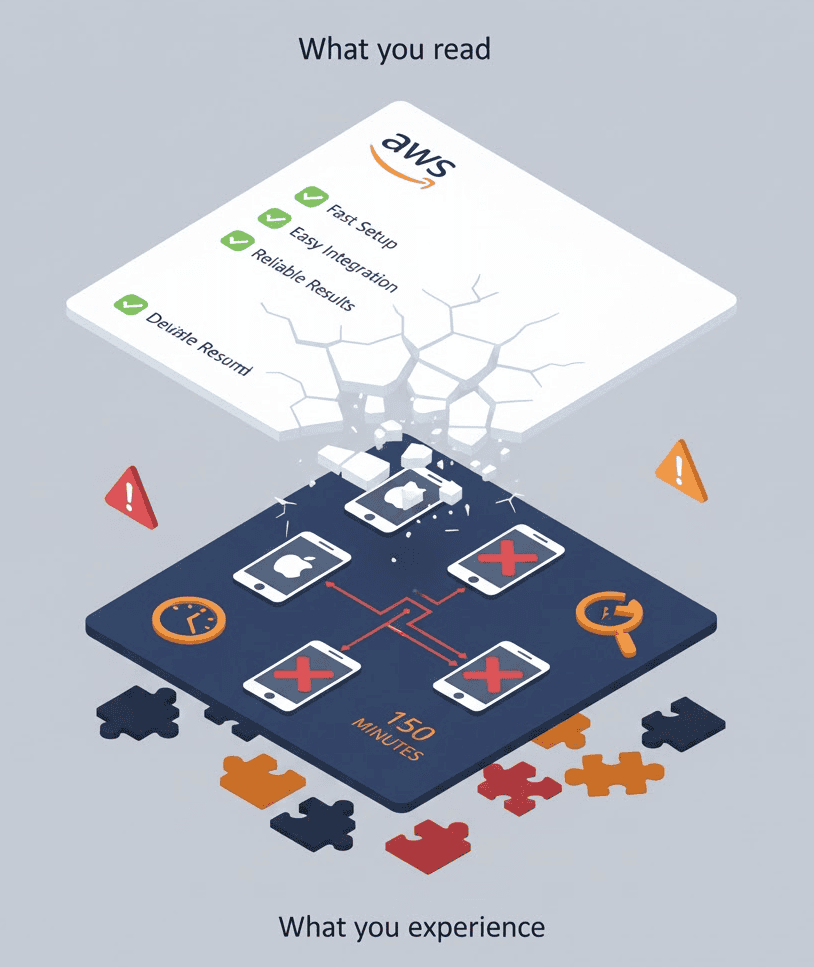
AWS Device Farm documentation tells you how to upload an app and schedule a run. What it doesn’t emphasize are the limitations you’ll hit once you’re committed.
Here’s what teams discover after setup — the gaps between documentation and reality.
1. Data Can Persist Between Sessions
For detailed security implications, see AWS Device Farm Security: What Docs Don’t Say.
Buried in the FAQ is this statement:
“It is possible for data to persist between sessions in some cases, especially if you make use of the device system outside the context of your app.”
What this means: The device you’re testing on may contain data from previous users. And your test data may remain for the next user.
The documentation says AWS performs cleanup after each session.
The reality: Cleanup isn’t guaranteed to catch everything. If you write data outside your app sandbox, it might persist.
Why it matters:
- Don’t use real credentials in tests
- Don’t test with actual customer data
- Compliance teams (HIPAA, PCI-DSS) should evaluate this carefully
The docs recommend avoiding “sensitive information such as account info (e.g., Google Account, Apple ID), personal information, and other security-sensitive details.”
That’s a significant caveat for enterprise testing.
2. The 150-Minute Hard Limit
The documentation mentions you can set execution timeouts. What’s less clear: 150 minutes is the absolute maximum.
From an AWS re:Post thread:
“There is a hard limit of 150 minutes (2.5 hours) for the duration of an automated test run in AWS Device Farm.”
Implications:
- Long test suites must be split
- You can’t run comprehensive regression in a single pass
- CI/CD pipelines need workarounds
If your tests take 3 hours locally, you can’t just run them on Device Farm. You’ll need to architect around the limit.
3. iOS Entitlements Get Stripped
The documentation mentions that iOS apps are “re-signed with a wildcard profile.” What it doesn’t emphasize is what this breaks.
Removed entitlements:
- Push Notifications
- In-App Purchase
- Apple Pay
- HealthKit
- HomeKit
- Associated Domains
- Wireless Accessory Configuration
- Inter-App Audio
- VPN Configuration & Control
- Game Center
If your app’s core functionality depends on any of these, Device Farm testing will fail or produce misleading results.
Example: Testing a health app that reads HealthKit data? It won’t work on Device Farm. Testing push notification flows? Can’t be done.
The docs mention this, but in a way that’s easy to miss until you’ve already committed to the platform.
4. “It is slow. It is super slow.”
That’s a direct quote from a PeerSpot review. Multiple sources confirm:
- Tests run slower than local execution
- Setup and teardown add overhead
- Latency affects interactive testing
From G2 reviews: “Loading issues, no matter what is your bandwidth.”
From an OutSystems forum: “It runs too slow.”
The documentation doesn’t discuss performance compared to local testing. Teams discover this when their 20-minute local suite takes 45 minutes on Device Farm.
Why it happens:
- Network latency to Oregon (us-west-2 only)
- Shared infrastructure
- Cleanup between sessions
- Reporting overhead in standard environment
5. Limited Integration with Other AWS Services
You’d expect Device Farm to plug into the AWS ecosystem. It doesn’t, really.
From a PeerSpot review:
“AWS Device Farm lacks a lot of features that would tie it in with other AWS services. The solution doesn’t have great connectivity with other services offered by AWS, for example, AWS Secrets Manager.”
Missing integrations:
- No native Secrets Manager support (hardcode credentials or build custom solutions)
- No EventBridge triggers
- No Lambda integration for custom reporting
- No direct S3 artifact streaming
If you’re deep in the AWS ecosystem expecting seamless integration, you’ll be building bridges manually.
6. Device Availability Isn’t Guaranteed
The documentation lists available devices. What it doesn’t promise: those devices will be available when you need them.
From user feedback:
- “History of occasional crashing or connection issues”
- Queue times during peak hours
- Some device models frequently unavailable
Device Farm is shared infrastructure. You’re competing with other AWS customers for the same physical devices.
Workaround: Use device pools with multiple fallback devices. Don’t depend on specific models for CI/CD.
7. Region Lock: Oregon Only
The documentation mentions Device Farm is in us-west-2. Easy to miss, significant in practice.
Implications:
- All traffic routes through Oregon
- Latency from other regions
- No data residency in EU, APAC, or other regions
- Compliance complications for some organizations
If your team or data needs to stay in a specific geography, Device Farm may not be an option.
8. Test Package Debugging Is Painful
The documentation shows how to package tests. When packages fail, debugging is frustrating.
Common issues from forums and GitHub:
- “Upload request failed (400)”
- “Workspace doesn’t have any flow”
- “Test package validation failed”
Error messages are often vague. You’ll spend time reverse-engineering the required structure.
Tips from experience:
- Use AWS sample projects as templates
- Validate packages locally before upload
- Check CloudWatch logs for more details
- Add verbose logging to your tests
9. No Real-time Log Streaming
You schedule a run and wait. You poll for status. Eventually, logs appear.
There’s no way to watch tests execute in real-time during automated runs. You submit, wait, and review results afterward.
For debugging flaky tests, this makes iteration slow. You can’t see what’s happening as it happens.
Workaround: Use Remote Access sessions for interactive debugging, but these are separate from automated test runs.
10. Pricing Complexity
The documentation lists prices. What’s less clear is how costs accumulate.
What $0.17/minute really means:
- A 10-minute test on 10 devices = 100 minutes = $17
- Running that 5 times a day = $85/day
- Monthly: $2,550 just for one test suite on moderate devices
Unmetered ($250/slot/month) makes sense when:
- You test more than ~1,500 device minutes per slot per month
- You need predictable billing
- CI/CD runs continuously
The break-even isn’t obvious from the docs. Many teams start metered, get a surprise bill, then switch.
What Actually Works Well
To be fair, Device Farm does some things right:
- Real devices: Actual hardware, not emulators
- Parallel execution: Run on many devices simultaneously
- Framework support: Appium, Espresso, XCUITest, Calabash
- CI/CD plugins: Jenkins, Gradle integrations exist
- AWS CLI access: Scriptable automation
- Artifacts: Screenshots, videos, logs preserved
For teams with straightforward testing needs, moderate volumes, and no compliance constraints, it works.
Questions to Ask Before Committing
Based on documentation gaps and user experiences:
- Data sensitivity: Can you test with synthetic data only?
- Test duration: Does your suite fit in 150 minutes?
- iOS features: Do you use Push, IAP, HealthKit, or other stripped entitlements?
- Speed requirements: Can you tolerate slower-than-local execution?
- Region requirements: Is us-west-2 acceptable for your data?
- Cost at scale: What’s your projected monthly spend?
- Integration needs: Do you need Secrets Manager, EventBridge, etc.?
Alternatives When Device Farm Doesn’t Fit
Firebase Test Lab
- Free tier available
- Better for Android-heavy teams
- Same shared-device caveats
BrowserStack / Sauce Labs
- More device variety
- Global regions
- Different pricing model, similar limitations
Your Own Devices
- Full control over hardware
- Data never leaves your network
- No timeouts, no entitlement stripping
- Predictable costs at scale
For teams hitting Device Farm’s walls, running tests on your own device infrastructure eliminates the constraints entirely. Also see the AWS Device Farm setup guide if you decide to proceed with Device Farm.
Summary
AWS Device Farm documentation covers the happy path. What it doesn’t emphasize:
| Gap | Impact |
|---|---|
| Data persistence | Security/compliance risk |
| 150-minute limit | Large suites must be split |
| iOS entitlements stripped | Some features untestable |
| Slow execution | Longer CI/CD cycles |
| Limited AWS integration | Custom solutions needed |
| Oregon-only | Latency, no data residency |
| Vague error messages | Debugging friction |
| No real-time logs | Slower iteration |
| Pricing complexity | Budget surprises |
None of these are dealbreakers for every team. But knowing them upfront beats discovering them after you’ve built your pipeline around Device Farm.
Frequently Asked Questions
Does AWS Device Farm data persist between sessions?
Yes, AWS documentation warns that data can persist between sessions, especially if you write data outside your app sandbox. Previous users’ data might be on your device, and your data might remain for the next user.
What is the maximum test duration on AWS Device Farm?
AWS Device Farm has a hard limit of 150 minutes (2.5 hours) per automated test run. Tests that take longer must be split into multiple runs.
Which iOS entitlements does AWS Device Farm strip?
AWS Device Farm strips Push Notifications, In-App Purchase, Apple Pay, HealthKit, HomeKit, Associated Domains, Wireless Accessory Configuration, Inter-App Audio, VPN Configuration, and Game Center entitlements when re-signing iOS apps.
Is AWS Device Farm available in multiple regions?
No. AWS Device Farm is only available in us-west-2 (Oregon). All traffic routes through Oregon, which means latency from other regions and no data residency options for EU, APAC, or other geographies.
Why are AWS Device Farm tests slow?
User reviews consistently mention speed issues due to network latency to Oregon, shared infrastructure, cleanup between sessions, and reporting overhead. Tests typically run slower than local execution.
Testing without cloud constraints? DeviceLab runs Appium, Espresso, XCUITest, and Maestro on your own devices — no timeouts, no data exposure, no entitlement stripping.