
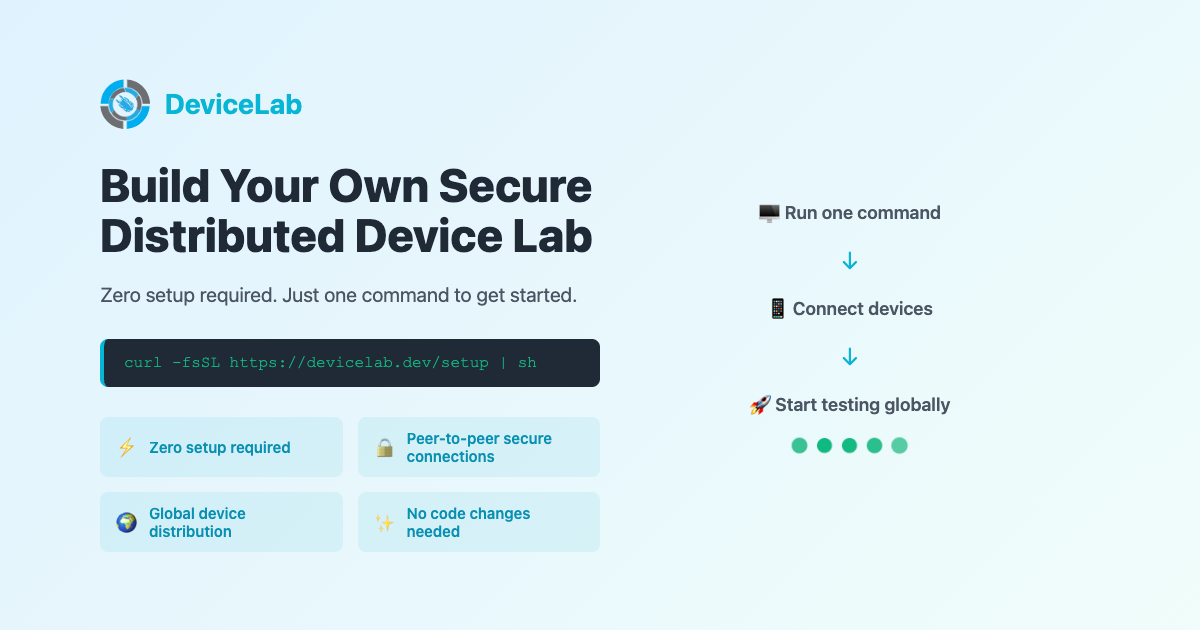
Running automated tests on real devices shouldn’t require complex infrastructure. With DeviceLab, you connect your own devices and start testing in minutes—no SDKs to install, no agents to configure. Just two curl commands.
How It Works
DeviceLab has two concepts:
- Device Node — Makes your physical devices available for testing
- Test Node — Runs your tests on those devices
Both run via curl commands. No installation required.
Step 1: Start a Device Node
Connect your Android or iOS device via USB, then run:
curl -fsSL https://app.devicelab.dev/device-node/KEY | sh
Replace KEY with your team key from the DeviceLab dashboard.
This automatically detects your connected devices (physical, emulators, simulators) and keeps running until you stop it with Ctrl+C.
Step 2: Run Tests
Download a sample test and run it:
# Download sample
curl -O https://app.devicelab.dev/samples/maestro-android-sample.zip
unzip maestro-android-sample.zip && cd maestro-android-sample

# Run tests
curl -fsSL https://app.devicelab.dev/test-node/KEY | sh -s -- \
  --framework maestro \
  --platform android \
  --app ./TestHiveApp.apk \
  --tests ./maestro-tests
That’s it. Your tests run on your connected device—the app binary transfers directly via WebRTC, never touching DeviceLab’s servers.
Other Frameworks
DeviceLab supports multiple test frameworks:
- Maestro — Shown above
- Appium (Java) — See quick start guide
- Appium (Python) — See quick start guide
Frequently Asked Questions
What devices does DeviceLab support?
DeviceLab supports Android phones and tablets, iPhones and iPads, Android emulators, and iOS simulators. Physical iOS devices require a Mac with Xcode for initial setup.
Do I need to install anything on my mobile device?
No app installation is needed on the device. You just enable Developer Mode/USB Debugging and connect via USB. The DeviceLab agent runs on the host machine.
Can I run tests from a different machine than where devices are connected?
Yes. Once devices are connected to a machine running the DeviceLab agent, they can be accessed from any machine through the DeviceLab dashboard.
What’s Next?
- Add devices from multiple machines
- Run your own test suite
- Set up CI/CD integration
- Invite your team
Your first device is free. Get started with DeviceLab.