
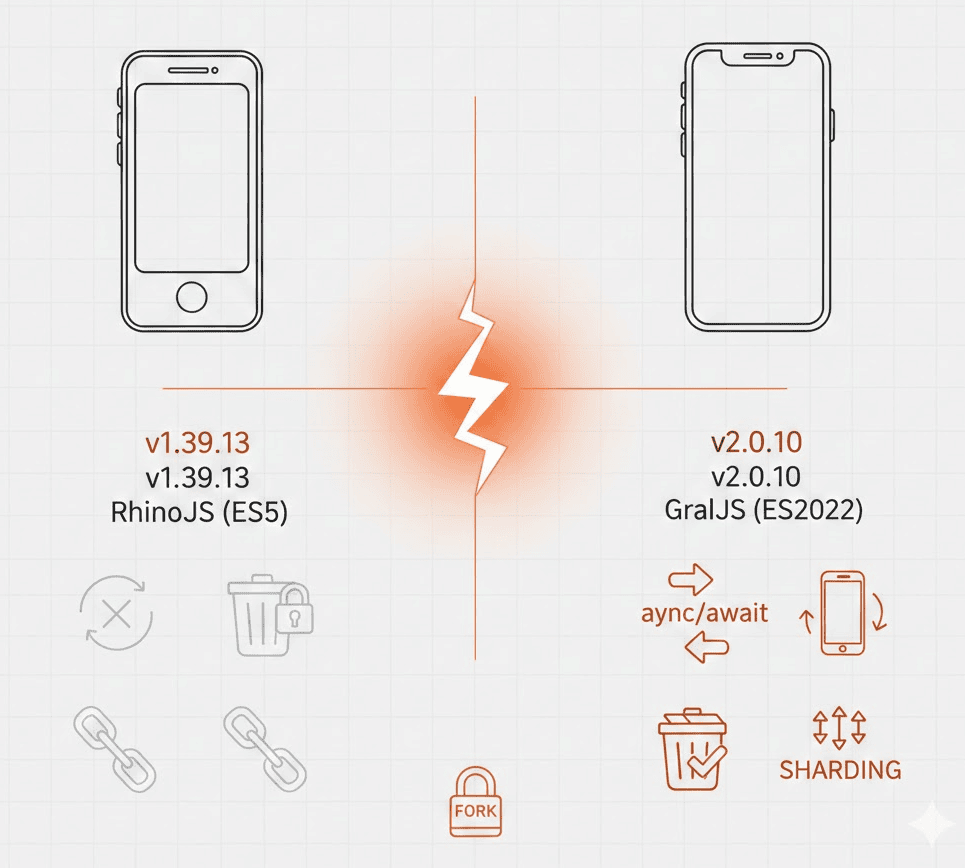
BrowserStack advertises Maestro testing on “thousands of real iOS devices.” What they don’t mention: they’re running a forked, outdated version.
If you’re evaluating BrowserStack for Maestro testing—especially for iOS—here’s what you need to know.
The Version Gap
BrowserStack’s documentation states:
“Maestro version 1.39.13 is supported.”
The current open-source Maestro release is 2.0.10.
That’s not a minor patch difference. Maestro 2.0 was a major release with breaking changes, new commands, and a completely different JavaScript engine.
| BrowserStack | Open-Source | |
|---|---|---|
| Version | 1.39.13 | 2.0.10 |
| Release date | ~February 2025 | November 2025 |
| Status | “Beta” | Stable |
| JavaScript engine | RhinoJS (ES5) | GraalJS (ES2022) |
What You’re Missing in 1.39
Maestro 2.0 introduced features that don’t exist in BrowserStack’s version.
New Commands
From the Maestro changelog:
setOrientation— Rotate device during tests (portrait, landscape)killApp— Trigger system-initiated process death on AndroidinputRandomEmail,inputRandomText,inputRandomNumber— Generate test data automaticallyclipboardPaste— Paste from clipboard
If your tests use any of these, they won’t run on BrowserStack.
Modern JavaScript (GraalJS)
Maestro 2.0 switched from RhinoJS to GraalJS as the default JavaScript engine.
- RhinoJS (BrowserStack): Limited to ES5. No arrow functions, no
async/await, no template literals. - GraalJS (2.0.10): Full ES2022 support. Modern JavaScript works.
If you write JavaScript in your Maestro flows, this matters:
# This works in Maestro 2.0, fails on BrowserStack
- runScript:
    file: validation.js
// validation.js - ES2022 syntax
const validate = async (data) => {
  const result = await someCheck(data);
  return result?.valid ?? false;  // Optional chaining, nullish coalescing
};
Improved Sharding
Maestro 2.0 introduced better parallel test distribution:
--shard-all <N>— Run all tests on all N devices--shard-split <N>— Split test suite across N devices
The old --shard flag (used in 1.39) is deprecated.
Other 2.0 Features
--test-output-dir— Specify where test artifacts are saved- Environment variable isolation between
runFlowcommands - Improved iOS timeout handling
- Better error messages with debug info attached to exceptions
Why BrowserStack Is Behind
BrowserStack didn’t just install Maestro. They forked it.
Maestro’s open-source version doesn’t support iOS physical devices—only simulators. BrowserStack needed iOS device support to compete, so they created their own closed-source fork.
The problem with forks: you have to maintain them. Every upstream change needs to be merged. Every new feature needs to be ported. BrowserStack’s fork is now 9+ months behind.
Their documentation still says “Beta” for Maestro support. That’s been the status since launch.
The iOS Reality
Let’s be direct about what BrowserStack offers for Maestro on iOS.
What they claim: “Run Maestro tests on over 3,500 real iOS devices”
What they don’t say:
- It’s running their forked 1.39.13, not open-source Maestro
- The fork is closed-source—you can’t see what they changed
- New Maestro features take months (or never) to appear
Why iOS Physical Devices Matter
Open-source Maestro supports:
- Android physical devices ✅
- Android emulators ✅
- iOS simulators ✅
- iOS physical devices ❌
That last gap is why BrowserStack forked Maestro. iOS simulator testing misses real-world issues: gesture responsiveness, memory constraints, hardware-specific bugs, push notification behavior.
BrowserStack’s fork solves this—but you’re locked into their outdated version.
The Alternative: Run Maestro 2.0.10 on Your Own iOS Devices
We built maestro-ios-device to bridge Maestro to physical iOS devices without forking.
It works with the latest open-source Maestro (2.0.10). Your flows run unchanged. No version lag.
Quick Comparison
| BrowserStack | DeviceLab | |
|---|---|---|
| Maestro version | 1.39.13 (forked) | 2.0.10 (open-source) |
| iOS physical devices | Yes | Yes |
| Your own devices | No (theirs) | Yes (yours) |
| App upload required | Yes | No |
| Data location | Their servers | Your network |
| New features | Months behind | Same day |
How It Works
Connect your iOS devices to DeviceLab:
curl -fsSL https://app.devicelab.dev/device-node/KEY | sh
Run Maestro tests:
curl -fsSL https://app.devicelab.dev/test-node/KEY | sh -s -- \
  --framework maestro \
  --platform ios \
  --app ./MyApp.ipa \
  --tests ./flows/
Your YAML flows work unchanged. Same syntax, same commands—including the new 2.0 commands that don’t exist on BrowserStack.
When BrowserStack Makes Sense
For Maestro setup on BrowserStack, see BrowserStack Maestro: What to Know First. Compare BrowserStack pricing and the hidden fees that add up to understand the full costs.
To be fair, BrowserStack isn’t wrong for everyone:
- You don’t own iOS devices and don’t want to buy them
- You need 50+ device models for compatibility testing
- The version gap doesn’t affect you (no new commands, no modern JS)
- “Beta” stability is acceptable for your use case
When to Use Your Own Devices
- You need Maestro 2.0 features (
setOrientation,killApp, GraalJS) - You already own iOS devices sitting unused
- Security requires keeping app binaries internal (no third-party uploads)
- You want the latest Maestro without waiting for BrowserStack to catch up
- You run high-frequency CI tests and want predictable costs
Frequently Asked Questions
What version of Maestro does BrowserStack use?
BrowserStack runs Maestro version 1.39.13, according to their official documentation. The current open-source Maestro version is 2.0.10.
Does BrowserStack support Maestro 2.0?
No. As of December 2025, BrowserStack’s Maestro integration runs version 1.39.13. Maestro 2.0 features like setOrientation, killApp, and GraalJS are not available.
Why is BrowserStack behind on Maestro versions?
BrowserStack maintains a closed-source fork of Maestro to add iOS physical device support. Maintaining a fork means manually porting upstream changes, which causes version lag.
Can I run Maestro on my own iOS physical devices?
Yes. DeviceLab’s maestro-runner enables Maestro testing on physical iOS devices using the latest open-source version (2.0.10). Your devices stay on your network.
What Maestro commands are missing on BrowserStack?
Commands introduced after version 1.39 are not available, including: setOrientation, killApp, inputRandomEmail, inputRandomText, inputRandomNumber, and clipboardPaste.
The Bottom Line
BrowserStack’s Maestro offering has two fundamental limitations:
- They’re running a 9-month-old fork (1.39.13 vs 2.0.10)
- The fork is closed-source—you can’t verify what’s different
If you’re choosing BrowserStack for Maestro iOS testing, you’re choosing convenience over currency. That trade-off might be acceptable for your team.
But if you want the latest Maestro features on real iOS devices—devices you control, on your network—there’s now an alternative. See how to migrate from BrowserStack to DeviceLab for step-by-step instructions.
Running Maestro on iOS devices? DeviceLab runs the latest Maestro 2.0.10 on your own physical devices. Your data never leaves your network. Try it free.