
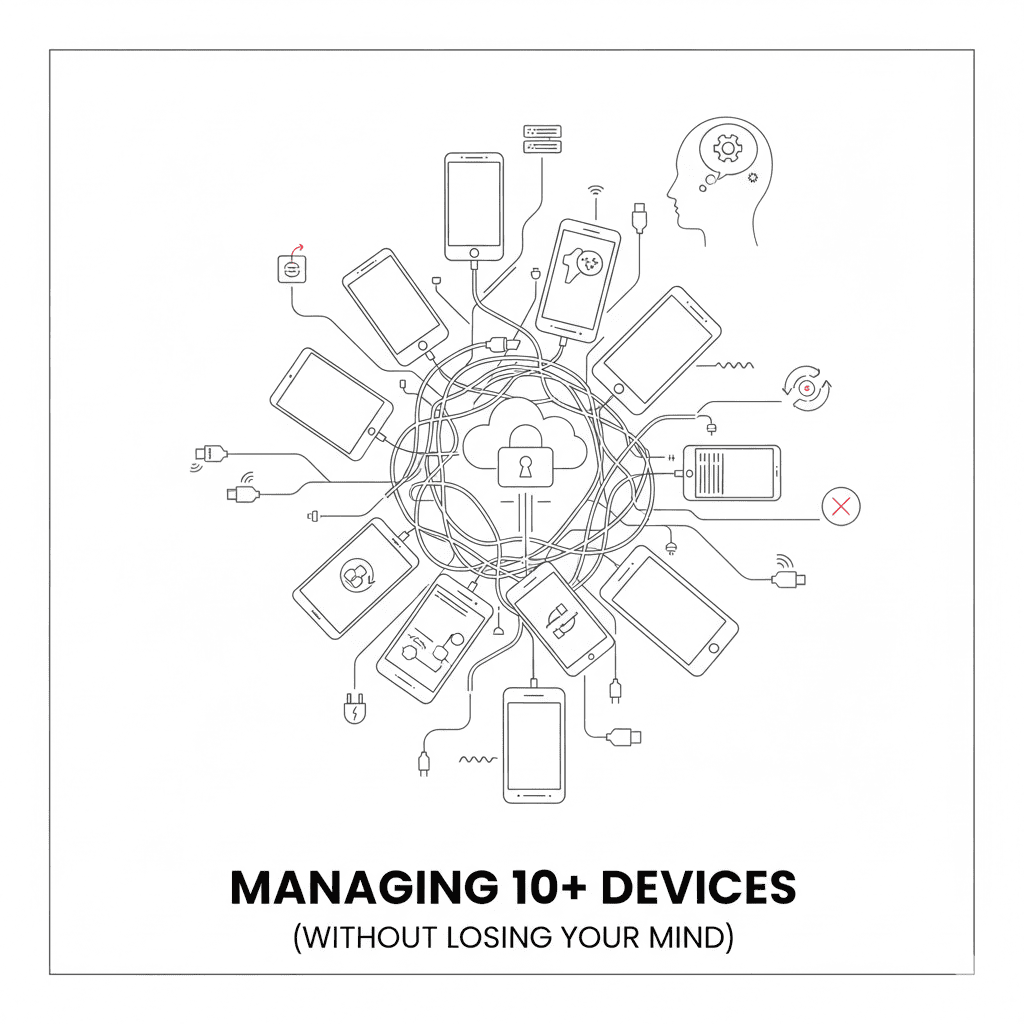
Two devices? Easy. Plug them in, run tests, done.
Ten devices? You now have a full-time job you didn’t ask for.
The jump from “a few phones on my desk” to “an actual device lab” is where most teams hit a wall. What worked at small scale becomes a nightmare: USB disconnects, device conflicts, mysterious state drift, and the dreaded “who’s using the Pixel 6?”
After building device labs for enterprises like Disney, Airtel, and Swiggy over the past 12 years, we’ve seen every way this can go wrong. Here’s what actually happens—and what actually works.
The Breaking Point: When Scale Becomes Pain
At 2-3 devices, everything is manual and that’s fine. You know which device is which. You can see them all. If something breaks, you fix it.
At 10+ devices, you cross into infrastructure territory. Now you’re dealing with:
- Devices that work Monday but not Tuesday
- Tests that pass on one device, fail on an identical one
- Engineers stepping on each other’s test runs
- Hours lost to “the device was in a weird state”
This isn’t a testing problem anymore. It’s an operations problem wearing testing clothes.
The 5 Device Management Nightmares
1. USB Hub Hell
You bought a nice 10-port USB hub. Problem solved, right?
Wrong.
Here’s what actually happens:
Power starvation. Most USB hubs can’t deliver enough power to 10 phones simultaneously. Devices disconnect randomly, especially during high-load operations like app installs or screen recording.
The cascade disconnect. One device hiccups, the hub resets, and suddenly all 10 devices show “offline” in ADB. Your entire test run fails.
Cable chaos. You have 10 devices, 10 cables, and within a week you can’t tell which cable goes to which device. One cable is flaky but you don’t know which one until tests start failing intermittently.
From the OpenSTF GitHub issues:
“USB devices randomly disconnecting themselves. It was working well on 3-4 devices, but after adding more…”
Sound familiar?
What helps:
- Powered hubs with dedicated power supplies (48W+)
- Industrial-grade hubs designed for always-on operation
- Color-coded or labeled cables (yes, really)
- Separate hubs for Android and iOS to isolate failures
But even with good hardware, USB at scale is fragile. There’s a reason cloud device farms don’t use USB hubs sitting on someone’s desk.
2. Device State Drift
Day 1: All 10 devices are identical. Same OS, same settings, same apps.
Day 30: No two devices are alike.
Here’s how it happens:
- Developer A runs a test that changes a system setting
- Developer B’s test assumes the default setting
- Developer B’s test fails
- Nobody knows why
- Someone manually “fixes” the device
- The fix breaks Developer C’s assumptions
Multiply this by 10 devices and 10 engineers, and you get chaos.
The silent killers:
- Bluetooth left on (drains battery, affects performance)
- WiFi connected to wrong network
- Location services toggled off
- App permissions revoked
- OS update popup blocking the screen
- Device fell into power-saving mode
- Language accidentally changed
- Accessibility settings enabled
Each of these can cause a test to fail in ways that have nothing to do with your app.
What helps:
- Factory reset before each test run (slow but reliable)
- Pre-test health checks that verify device state
- Automated device provisioning scripts
- Treating devices as cattle, not pets
3. Parallel Execution Conflicts
“Just run tests in parallel across all 10 devices.”
Great idea. Now you have 10 new problems.
Port collisions:
Every Appium session needs its own ports—Appium server port, system port, ChromeDriver port. If two tests try to use the same port, one fails silently or takes over the other’s session.
// Job 1 uses port 4723
// Job 2 also uses port 4723
// One of them is about to have a bad time
Device reservation:
Test A starts on Device 1. Test B also tries to start on Device 1 because nobody told it the device was busy. Now you have two test frameworks fighting over the same screen.
Shared test accounts:
Test A logs into [email protected]. Test B also logs into [email protected]. Test A creates data. Test B sees unexpected data. Both tests fail with “element not found” because they’re looking at each other’s state.
What helps:
- Dynamic port allocation (find an open port, don’t hardcode)
- Device pooling with lock/unlock semantics
- Test-specific user accounts or data isolation
- A central coordinator (like Selenium Grid) managing device allocation
If you’re seeing tests pass locally but fail in CI, parallel execution conflicts are often the culprit.
4. Physical Access Across Locations
Your device lab started on your desk. Then your teammate needed access. Then the QA team. Then the team in the other office. Then the remote contractors.
Now you have devices in three cities and everyone needs to run tests.
The problems:
- “Can someone plug in the Pixel?” at 3am
- Devices in the Bangalore office aren’t accessible from SF
- VPN tunnels that drop during long test runs
- Time zones making coordination impossible
- Someone physically trips over the USB hub
The DIY solutions that don’t scale:
- SSH tunnels (fragile, need maintenance)
- VPN + ADB over TCP (latency kills tests)
- “Just Slack me when you’re done with the device” (doesn’t work)
What helps:
- Remote device access solutions (the whole point of DeviceLab)
- Treating devices as a shared service, not personal equipment
- Automated scheduling instead of human coordination
5. Tracking: Who Has What?
When you had 3 devices, you remembered who was using what.
At 10+ devices, you need a system. Most teams start with a spreadsheet:
| Device | Model | OS | Status | Current User | Last Updated |
|---|---|---|---|---|---|
| pixel-6-01 | Pixel 6 | Android 14 | In Use | @alice | 2 days ago |
| iphone-13-02 | iPhone 13 | iOS 17.1 | Available | - | 5 days ago |
And then the spreadsheet lies to you.
Why spreadsheets fail:
- People forget to update them
- “Available” but actually broken
- Last updated 5 days ago—is it still accurate?
- No enforcement—anyone can grab any device
- No history—who broke it?
One team we worked with had a spreadsheet, a Slack channel for device requests, and a physical whiteboard. All three showed different information. None were accurate.
What helps:
- Automated status tracking (device reports its own state)
- Forced check-in/check-out (can’t use device without claiming it)
- Health monitoring (battery level, connectivity, responsiveness)
- Audit logs (who used what, when)
DIY Solutions That Eventually Break
Before you build your own system, here’s what teams typically try—and why it stops working.
The Selenium Grid Approach
Set up Selenium Grid with Appium nodes. Each device is a node. Grid handles allocation.
Works until:
- You need to support iOS (more complex setup)
- Devices go offline and Grid doesn’t know
- You have more than ~20 devices (Grid gets slow)
- Someone needs to debug a specific device (Grid abstracts them away)
The Jenkins Labels Approach
Tag each device as a Jenkins agent. Use labels to route jobs.
agent { label 'pixel-6' }
Works until:
- Two jobs want the same device simultaneously
- Device disconnects mid-job
- You need to run tests outside Jenkins
- Someone needs interactive access for debugging
The “Ask in Slack” Approach
Post in #device-lab when you need a device. Honor system.
Works until:
- Team grows beyond 5 people
- Time zones diverge
- Someone forgets to say they’re done
- Two people grab the same device without checking
The SSH Tunnel Approach
Expose devices over SSH tunnels. ADB over TCP.
Works until:
- Tunnel drops during a test run
- Latency exceeds Appium’s timeout
- You need to debug why the tunnel dropped
- Security team asks about your unencrypted ADB traffic
Each of these works for a while. Then scale breaks them. If you’re looking for alternatives to OpenSTF/DeviceFarmer, you’ve likely hit these limits.
What Actually Works at Scale
After watching device labs succeed and fail across dozens of companies, here’s what the working ones have in common.
Treat Devices as a Service, Not Equipment
The mental shift: devices aren’t assets you manage. They’re capacity you provision.
This means:
- Devices are interchangeable (any Pixel 6 will do)
- State is ephemeral (reset between uses)
- Access is programmatic (API, not physical)
- Monitoring is automatic (not manual checks)
Automate Device Health
Devices should report their own status:
- Battery level (below 20%? Don’t use it)
- Connectivity (can reach the test server?)
- Responsiveness (touch input working?)
- Screen state (unlocked and ready?)
A device that passes all health checks is “available.” Everything else is quarantined automatically.
Centralize Allocation
One source of truth for who’s using what:
- Request a device → system finds an available one
- Device is locked to your session
- Session ends → device is released
- No spreadsheets, no Slack, no guessing
Make Remote Access Seamless
Whether you’re debugging locally or running in CI, access should feel the same:
- Same device pool
- Same API
- Same tools (Appium, Maestro, etc.)
- No VPNs or tunnels to maintain
Embrace the Cloud—Your Cloud
Cloud device farms (BrowserStack, LambdaTest) solve the operations problem. But they have tradeoffs:
- Your app and test data go to their servers
- Latency to devices 1000+ miles away
- Monthly bills that scale with usage
- No access to devices when the service is down
The alternative: run your own devices, but managed like a cloud.
Your physical devices in your office. Accessible from anywhere. Same tooling as cloud services, but your data stays yours. That’s why enterprises use private device labs.
That’s what we built DeviceLab to do.
The DeviceLab Approach
We’ve spent 12+ years building device infrastructure for enterprises. DeviceLab is what we learned, packaged for everyone.
Your devices, anywhere:
Install the device node on any machine with phones connected. Those phones are now accessible from anywhere—your laptop, your CI server, your teammate’s laptop in another country.
P2P, not tunnels:
Devices connect directly to test runners via WebRTC. Your app binary, test data, and network calls never touch our servers. We only handle the signaling to connect peers.
Automatic allocation:
Request a device → get one that’s available and healthy. No spreadsheets. No Slack channels. No conflicts.
Works with your tools:
Same Appium, Maestro, Espresso, or XCUITest you already use. No new test framework to learn.
$99/device/month:
No per-minute charges. No surprises. First device free forever.
The Checklist: Are You Ready to Scale?
Before adding more devices, ask yourself:
- Do you have powered USB hubs with adequate wattage?
- Is device state reset between test runs?
- Do you have dynamic port allocation for parallel tests?
- Is there a single source of truth for device availability?
- Can engineers access devices without physical presence?
- Are devices monitored for health automatically?
- Is test data isolated between parallel runs?
If you answered “no” to more than two, adding more devices will make things worse, not better.
Fix the foundation first. Then scale.
See how DeviceLab compares to the giants: vs BrowserStack | vs Sauce Labs | Read the Cost Analysis →
Scaling your device lab? DeviceLab turns your physical devices into a managed device cloud—accessible from anywhere, with automatic health checks and allocation. First device free forever.