
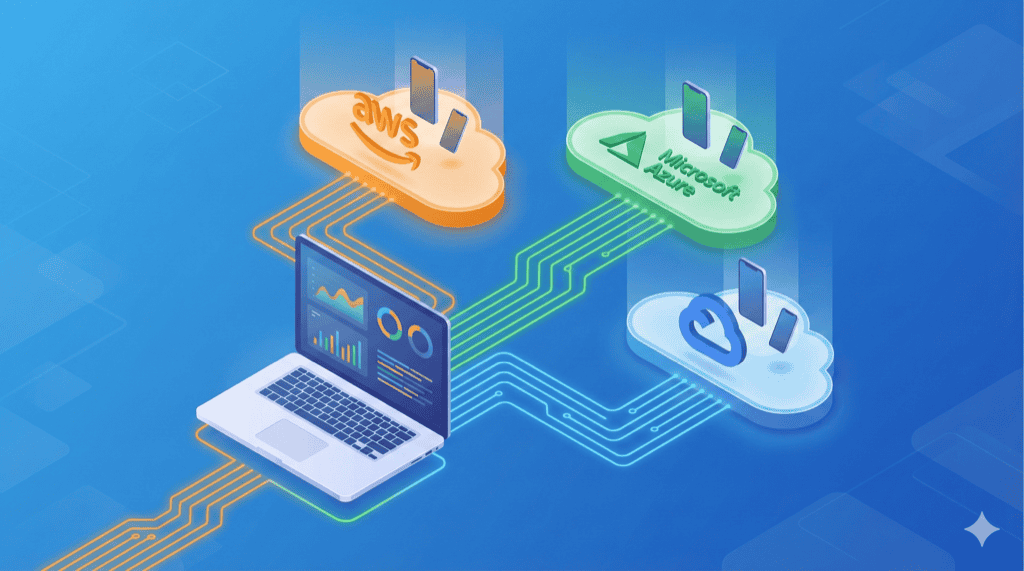
Maestro talks directly to a device over USB or a local socket. That is the entire architecture. There is no protocol bridge. No way to reach a device in BrowserStack’s data center, or a Samsung Galaxy sitting in an AWS rack in Oregon.
If you wanted cloud testing, you had two options: rewrite your tests in Appium, or maintain two test suites. Neither is a good answer when you already have 200 Maestro YAML flows that work perfectly on your laptop.
We built maestro-runner’s Appium driver backend to eliminate that choice. Same YAML. Same flows. Different devices – anywhere in the world.
Three flags. That’s it.
maestro-runner \
  --driver appium \
  --appium-url "<provider-hub-url>" \
  --caps provider-caps.json \
  test flows/
--driver appium swaps the local driver for a W3C WebDriver client. --appium-url points at any Appium-compatible endpoint. --caps provides the device and authentication details. Your YAML flows do not change at all.
Under the hood, the Appium driver implements the full core.Driver interface – taps, swipes, assertions, screenshots, text input – entirely over standard WebDriver HTTP calls. It uses native platform selectors for speed: UiAutomator2 selectors on Android, iOS predicate strings on iOS. It even traverses the view hierarchy to find clickable parents for React Native and Flutter elements, just like the local drivers do.
Real example: BrowserStack
Upload your app:
curl -u "$BS_USER:$BS_KEY" \
  -X POST "https://api-cloud.browserstack.com/app-automate/upload" \
  -F "[email protected]"
Create browserstack-caps.json:
{
  "platformName": "Android",
  "appium:automationName": "UiAutomator2",
  "appium:app": "bs://YOUR_APP_HASH",
  "appium:deviceName": "Samsung Galaxy S23",
  "appium:platformVersion": "13.0",
  "bstack:options": {
    "userName": "YOUR_USERNAME",
    "accessKey": "YOUR_ACCESS_KEY",
    "projectName": "My App Tests",
    "buildName": "CI Build #42"
  }
}
Run:
maestro-runner --driver appium \
  --appium-url "https://hub-cloud.browserstack.com/wd/hub" \
  --caps browserstack-caps.json \
  test flows/
That is a real test suite running on a real Samsung Galaxy in a real data center. The flows are the same ones you wrote on your laptop last Tuesday.
iOS works too
Switch platformName to "iOS" and appium:automationName to "XCUITest". Use appium:bundleId instead of appium:appPackage. That is the extent of the capabilities change.
The driver auto-detects the platform from the session response and switches to iOS predicate strings for element finding. Your flows stay identical – the same tapOn, assertVisible, and swipe commands work on both platforms. If you are already running Maestro flows on an iOS simulator locally, those exact YAML files run on a cloud-hosted iPhone without modification. The only thing that changes is the JSON capabilities file you pass with --caps.
CLI flags override the caps file
In CI, you often want a shared capabilities file but need to override one thing per job. CLI flags take precedence:
maestro-runner --driver appium \
  --platform ios \
  --app-file ./build/MyApp.ipa \
  --caps base-caps.json \
  test flows/
--platform overrides platformName. --device overrides appium:deviceName. --app-file overrides appium:app. The caps file sets the baseline; the flags patch it.
The performance trade-off
The Appium driver is roughly 30% slower than maestro-runner’s native drivers, but still faster than original Maestro running locally. Every command becomes an HTTP round-trip through the WebDriver protocol, versus direct USB communication — but without the JVM overhead, the net result is still a win.
A test suite that takes 60 seconds with maestro-runner’s native driver takes roughly 80 seconds through a local Appium server, and longer on a cloud provider depending on network latency. For comparison, original Maestro would take 90+ seconds for the same suite.
For local development, stick with the native drivers. For device coverage in CI – testing on Samsung, Pixel, and iPhone models you do not own, running 20 parallel sessions across a device farm – the trade-off is not even a question.
What this unlocks
Before maestro-runner, the Maestro ecosystem was an island. Beautiful YAML syntax, fast local execution, zero cloud reach. Appium had the cloud story but required you to rewrite everything in Java or Python.
Here’s what you couldn’t do before. Now you can:
# Local development
maestro-runner test flows/

# CI with emulator
maestro-runner --auto-start-emulator test flows/

# Cloud device farm
maestro-runner --driver appium --appium-url "$HUB_URL" --caps caps.json test flows/
CI with emulator testing, cloud device farm coverage, and local development – three lines, three environments, zero flow changes.