
Kobiton and BrowserStack both offer cloud-based mobile testing. But they serve different needs with different approaches.
Kobiton is mobile-first with on-premises options. BrowserStack is a full testing platform with broader device coverage.
This comparison uses real pricing data and user reviews to help you choose.
Quick Comparison
| Factor | Kobiton | BrowserStack |
|---|---|---|
| G2 Rating | 4.2/5 (~38 reviews) | 4.5/5 (585 reviews) |
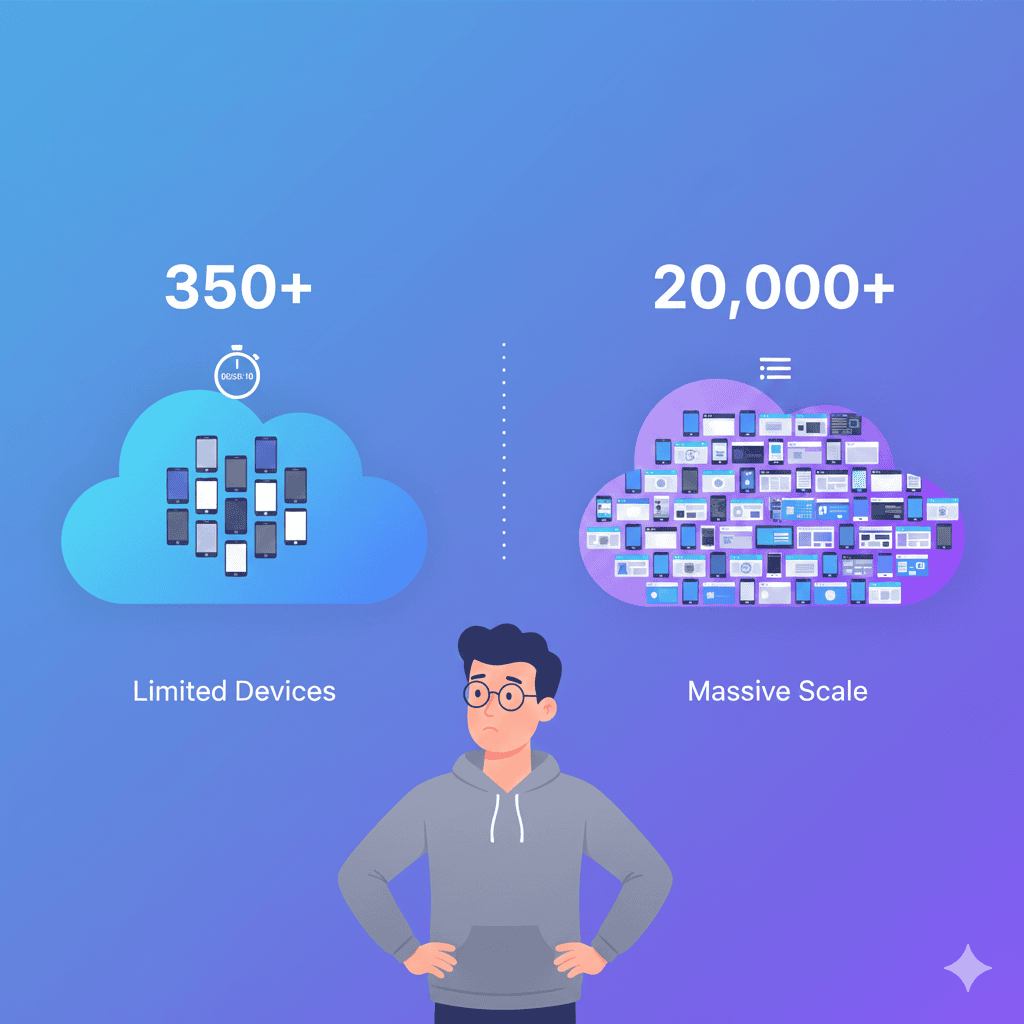
| Real Devices | 350+ | 3,000+ |
| Browser/Device Combos | Mobile-focused | 20,000+ |
| Starting Price | $83/month | $39/month |
| Pricing Model | Per-minute | Per-parallel session |
| Web Testing | Limited | Full support |
| On-Premises | Yes | No |
| AI Features | Scriptless automation | Test observability |
| Market Share | 1.7% | 10.4% |
Bottom line: BrowserStack wins on device coverage, pricing flexibility, and web testing. Kobiton wins on deployment options and hybrid cloud capabilities.
Pricing: Per-Minute vs Per-Session
Kobiton Pricing
Kobiton charges for every minute of device usage:
| Plan | Price | Minutes | Cost Per Minute |
|---|---|---|---|
| Startup | $83/month | 500 | $0.17 |
| Accelerate | $399/month | 3,000 | $0.13 |
| Scale | $9,000/year | 7,500/month | $0.10 |
| Enterprise | Custom | Custom | Negotiated |
The per-minute model means every test run has a cost. Retries, debugging sessions, and pipeline reruns all consume your allocation.
“Time based plans and when we move on to large automations we need to buy expensive plans.”
— G2 review
For more details, see our Kobiton pricing breakdown.
BrowserStack Pricing
BrowserStack charges for parallel sessions, not minutes:
| Plan | Price | Parallel Sessions |
|---|---|---|
| Live | $39/month | Manual testing |
| Automate | $149/month | 1 parallel |
| App Live | $39/month | Manual mobile |
| App Automate | $149/month | 1 parallel |
Minutes are unlimited within your plan. The question is how many tests you can run simultaneously. See our BrowserStack pricing guide and the hidden costs that inflate the real bill.
Cost Comparison Example
Scenario: 3,000 device minutes per month of automation testing.
Kobiton (Accelerate): $399/month (exactly 3,000 minutes)
BrowserStack (App Automate): $149/month (unlimited minutes, 1 parallel)
If you stay within one parallel session, BrowserStack is significantly cheaper. Scale to 3 parallels ($299/month) and it’s still more cost-effective than Kobiton’s time-based model.
Winner: BrowserStack — Unlimited minutes removes cost anxiety.
Device Coverage
Kobiton Devices
- 350+ real mobile devices
- iOS and Android
- Focus on mobile app testing
- Device Lab Management for your own devices
BrowserStack Devices
- 3,000+ real devices
- 20,000+ browser/device combinations
- iOS, Android, Windows, macOS
- Desktop and mobile browsers
For teams testing a specific set of popular devices, Kobiton’s 350+ may suffice. For teams needing to cover edge cases, older OS versions, or specific regional devices, BrowserStack’s breadth matters.
Winner: BrowserStack — 10x more device coverage.
Web Testing Support
Kobiton Web Testing
Kobiton supports mobile web testing but lacks dedicated browser testing:
- Mobile Safari and Chrome on devices
- No desktop browser testing
- No visual regression testing
- Limited cross-browser capabilities
BrowserStack Web Testing
BrowserStack is a full cross-browser testing platform:
- 3,000+ browser versions
- Desktop and mobile browsers
- Percy for visual testing
- Selenium Grid integration
- Responsive testing tools
If your testing spans web applications, Kobiton requires a separate tool. BrowserStack handles both.
Winner: BrowserStack — Comprehensive web testing built-in.
Automation Reliability
This is where user reviews diverge significantly.
Kobiton Automation Issues
“If you’re intending to run automated tests on Kobiton devices, seriously consider investing in dedicated devices. When we attempted to run Katalon tests on Kobiton’s shared devices, the connections were so inconsistent that we always had more failures than passes.”
— SoftwareReviews
“At times, some public cloud devices will not be healthy (no memory, no network, etc) which will fail the tests randomly.”
— Capterra review
“Execution speed: Speed is slow compared to competitors, causing automated tests to fail due to connection timeouts.”
— TestAutomationTools
These reliability issues are why many teams look for Kobiton alternatives.
BrowserStack Automation
“Scalability, security, infra, ease of use, minimal learning curve required, and responsive support.”
— G2 review
“BrowserStack helps us ensure the websites and products we develop work flawlessly across browsers, devices and platforms.”
— Capterra review
BrowserStack’s infrastructure is larger and more established. Kobiton’s shared devices face reliability complaints that BrowserStack reviews don’t emphasize.
Winner: BrowserStack — More reliable infrastructure based on user feedback.
Performance and Speed
Kobiton Performance
“It’s very slow, and the UI can be clumsy at times.”
— Capterra review
“Sometimes the interface to the devices is slow. Also, at times, downloading data is slower than normal.”
— Capterra review
BrowserStack Performance
BrowserStack isn’t immune to latency complaints (all cloud testing has some), but reviews emphasize speed less as a pain point.
Both platforms suffer from inherent cloud latency. Neither matches local device testing speed.
Winner: Tie — Both have cloud latency, but Kobiton complaints are more frequent.
Deployment Options
Kobiton Deployment
- Public cloud (shared devices)
- Private cloud (dedicated devices)
- Hybrid (your devices + cloud)
- On-premises (fully internal)
This flexibility is Kobiton’s key differentiator. Regulated industries and teams with strict data requirements can run Kobiton entirely on-prem.
BrowserStack Deployment
- Public cloud only
- No on-premises option
- Local testing via tunnel (BrowserStack Local)
BrowserStack requires sending your app and test data to their infrastructure. For security implications, see our cloud device security analysis.
Winner: Kobiton — On-premises and hybrid options matter for regulated industries.
AI and Advanced Features
Kobiton AI Features
- Scriptless Automation: Record manual tests, replay as automation
- Appium Script Generation: Generate Appium scripts from manual sessions
- Self-Healing Scripts: AI adjusts locators when UI changes
- Session Explorer: Detailed playback with step-by-step analysis
BrowserStack AI Features
- Test Observability: Track flaky tests and failure patterns
- Percy AI: Visual testing with intelligent diff detection
- Accessibility Testing: Automated accessibility scanning
- Smart Test Selection: AI-driven test prioritization
Kobiton’s AI focuses on reducing automation effort. BrowserStack’s AI focuses on test analysis and visual testing.
Winner: Tie — Different AI approaches for different needs.
Ease of Use
Kobiton Ease of Use
“Some users find the interface and functionalities of Kobiton a bit complex. This can lead to a steeper learning curve for new users.”
— CTO Club
“UI is a little disjointed when it comes to managing devices and groups.”
— Capterra review
But also:
“I’ve given Kobiton access to dozens of coworkers, and they all can use it almost immediately.”
— SoftwareReviews
BrowserStack Ease of Use
G2 rates BrowserStack higher for ease of use. The interface is generally considered more intuitive, particularly for teams new to cloud device testing.
“Very easy to use this tool. It has a friendly UI, letting you quickly switch between one device to another.”
— Software Advice
Winner: BrowserStack — More intuitive for most teams.
Support Quality
Kobiton Support
“Their customer support is pretty good. Will respond to issues within few hrs to within a business day.”
— Capterra review
BrowserStack Support
“Scalability, security, infra, ease of use, minimal learning curve required, and responsive support.”
— G2 review
Both platforms receive positive support reviews. Kobiton’s smaller team means more personalized attention; BrowserStack’s larger team means more resources.
Winner: Tie — Both have responsive support.
Integration Ecosystem
Kobiton Integrations
- Jenkins, TeamCity, CircleCI, Travis CI
- Jira
- Appium, Selenium, Espresso, XCUITest
- GitHub Actions, Azure DevOps
BrowserStack Integrations
- Jenkins, CircleCI, GitHub Actions, GitLab CI
- Jira, Slack
- Selenium, Appium, Cypress, Playwright
- Percy, Test Management
- Extensive API
BrowserStack’s ecosystem is larger. Notably, BrowserStack supports Cypress and Playwright natively; Kobiton focuses on Appium. For Appium setup, see our distributed devices guide.
Winner: BrowserStack — Broader integration ecosystem.
When to Choose Kobiton
Kobiton makes sense when:
- On-premises is required. Regulated industries with data sovereignty requirements.
- Hybrid deployment matters. Combining your devices with cloud devices.
- Scriptless automation appeals. AI-generated tests from manual sessions.
- You’re mobile-only. No web testing requirements.
- Device lab management is key. Managing internal devices alongside cloud.
When to Choose BrowserStack
BrowserStack makes sense when:
- Device variety matters. 20,000+ combinations versus 350+.
- Web testing is needed. Cross-browser testing is built-in.
- Predictable costs matter. Unlimited minutes versus per-minute.
- Automation reliability is critical. More stable shared infrastructure.
- You want broader framework support. Cypress, Playwright, and more.
For teams considering BrowserStack, see our BrowserStack setup guide.
When to Choose Neither
Both platforms share limitations:
- Data passes through third-party infrastructure
- Shared devices mean potential state issues
- Cloud latency affects test speed
- Costs scale with usage or parallel needs
For teams with compliance requirements, latency sensitivity, or existing devices, running tests on your own infrastructure eliminates these constraints. See our getting started guide.
Migration: Kobiton to BrowserStack
What Transfers
- Appium/Selenium scripts (capability changes needed)
- Test logic and assertions
- CI/CD pipeline patterns
What Changes
// Kobiton capabilities
{
  'kobiton:sessionName': 'Test',
  'kobiton:deviceGroup': 'ORGANIZATION',
  'platformName': 'iOS'
}

// BrowserStack capabilities
{
  'bstack:options': {
    'projectName': 'Test',
    'buildName': 'Build 1'
  },
  'platformName': 'iOS'
}
Different capability prefixes, different app upload APIs, different session management.
Frequently Asked Questions
Is BrowserStack better than Kobiton?
For most teams, yes. BrowserStack offers 20,000+ devices versus Kobiton’s 350+, includes web testing, and has 10x more G2 reviews (585 vs ~38). Kobiton wins for teams needing on-premises deployment or hybrid cloud options.
How does Kobiton pricing compare to BrowserStack?
Kobiton charges per-minute starting at $83/month for 500 minutes. BrowserStack charges per-parallel-session starting at $39/month. For high-volume testing, BrowserStack’s unlimited minutes model is often more cost-effective.
Does Kobiton have more real devices than BrowserStack?
No. BrowserStack offers 3,000+ real devices and 20,000+ device/browser combinations. Kobiton offers 350+ real devices. BrowserStack has significantly broader device coverage.
Which is better for automation: Kobiton or BrowserStack?
BrowserStack is preferred by most reviewers for automation reliability. Kobiton users report connection issues with shared devices that cause automation failures. BrowserStack’s infrastructure is generally rated as more stable.
Can I use Kobiton for web testing?
Kobiton supports mobile web testing but lacks comprehensive cross-browser capabilities. BrowserStack provides full web testing with 3,000+ browser versions. For web testing, BrowserStack is the clear choice.
Summary
| Factor | Winner |
|---|---|
| Device coverage | BrowserStack |
| Pricing flexibility | BrowserStack |
| Web testing | BrowserStack |
| Automation reliability | BrowserStack |
| Ease of use | BrowserStack |
| On-premises option | Kobiton |
| Hybrid deployment | Kobiton |
| Scriptless automation | Kobiton |
| AI script generation | Kobiton |
Choose BrowserStack for device variety, web testing, and predictable costs.
Choose Kobiton for on-premises deployment and hybrid cloud flexibility.
Choose your own devices for zero latency, data control, and unlimited usage at predictable costs.
Testing without cloud constraints? DeviceLab runs Appium, Espresso, XCUITest, and Maestro on your own devices — $99/device/month, unlimited test runs, data never leaves your network.